
We spent $143 on our first Meta ad.
Here's exactly how we built it.
No agency, no guesswork — just us, Ads Manager, and a lot of tabs open. If this is your first awareness ad too, consider this the walkthrough we wish we'd had.
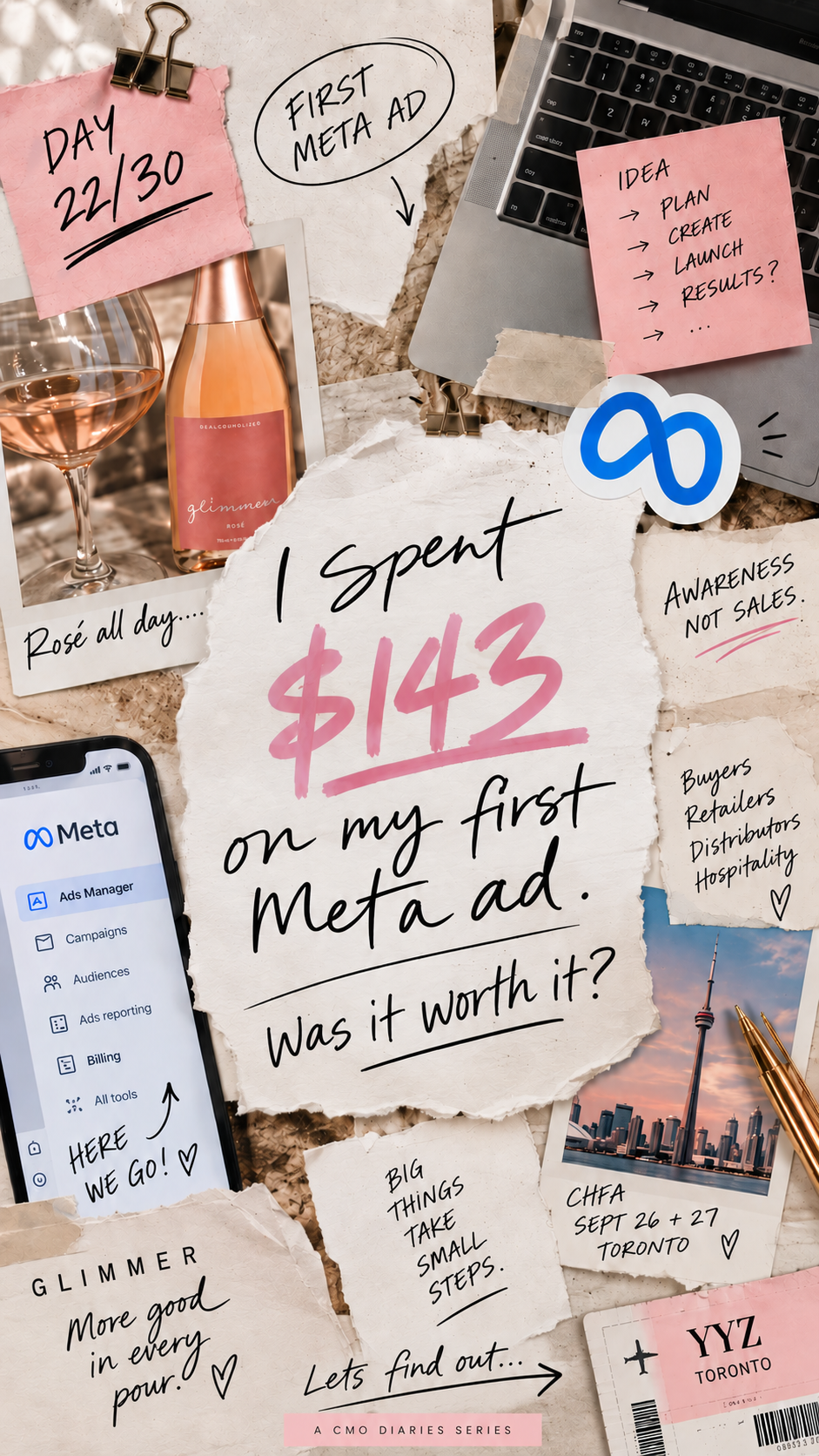
Ahead of CHFA Toronto this September, we ran Glimmer's very first paid Meta ad. Not a sales push — an awareness campaign, aimed at the buyers, retailers, distributors and hospitality folks who could actually get Glimmer onto a shelf or a menu.
We built the whole thing ourselves, screenshot by screenshot, and we saved every step along the way. Here's the process, plus the checklist we wrote for ourselves so we wouldn't miss anything — now yours to steal.
The exact steps, screenshot by screenshot
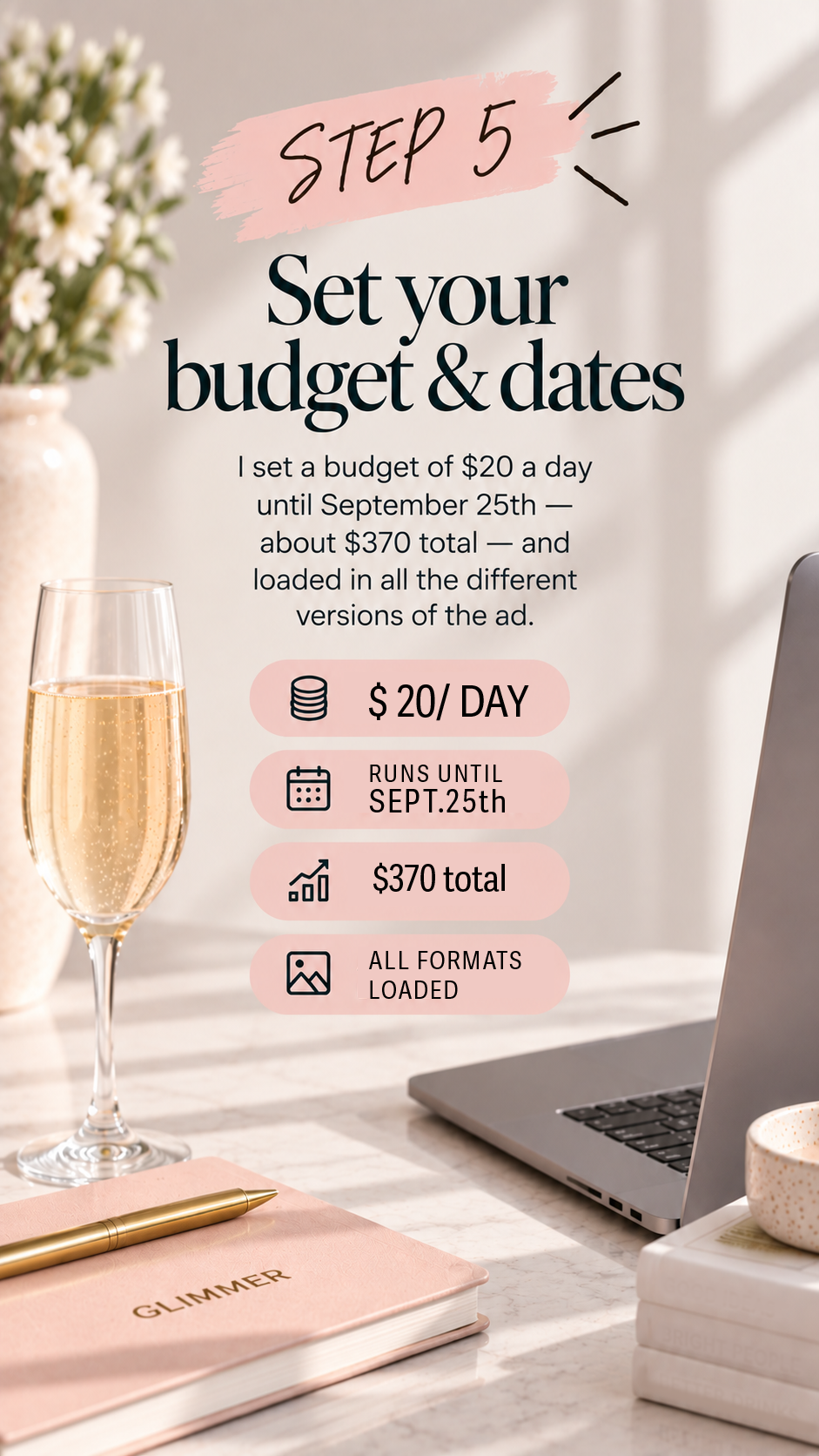
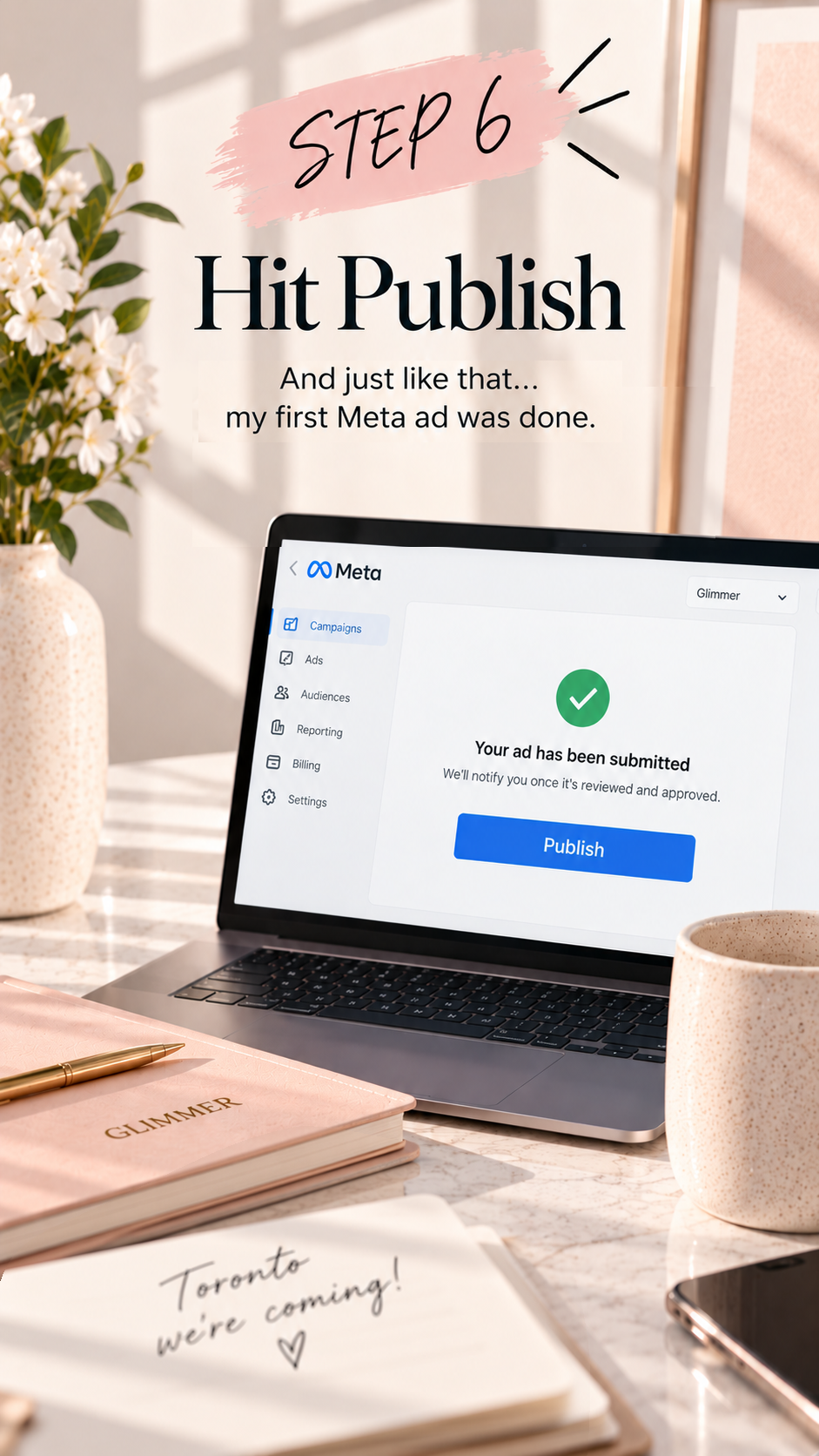
This is the real Ads Manager process we used for Glimmer's CHFA campaign — nothing staged, nothing skipped.

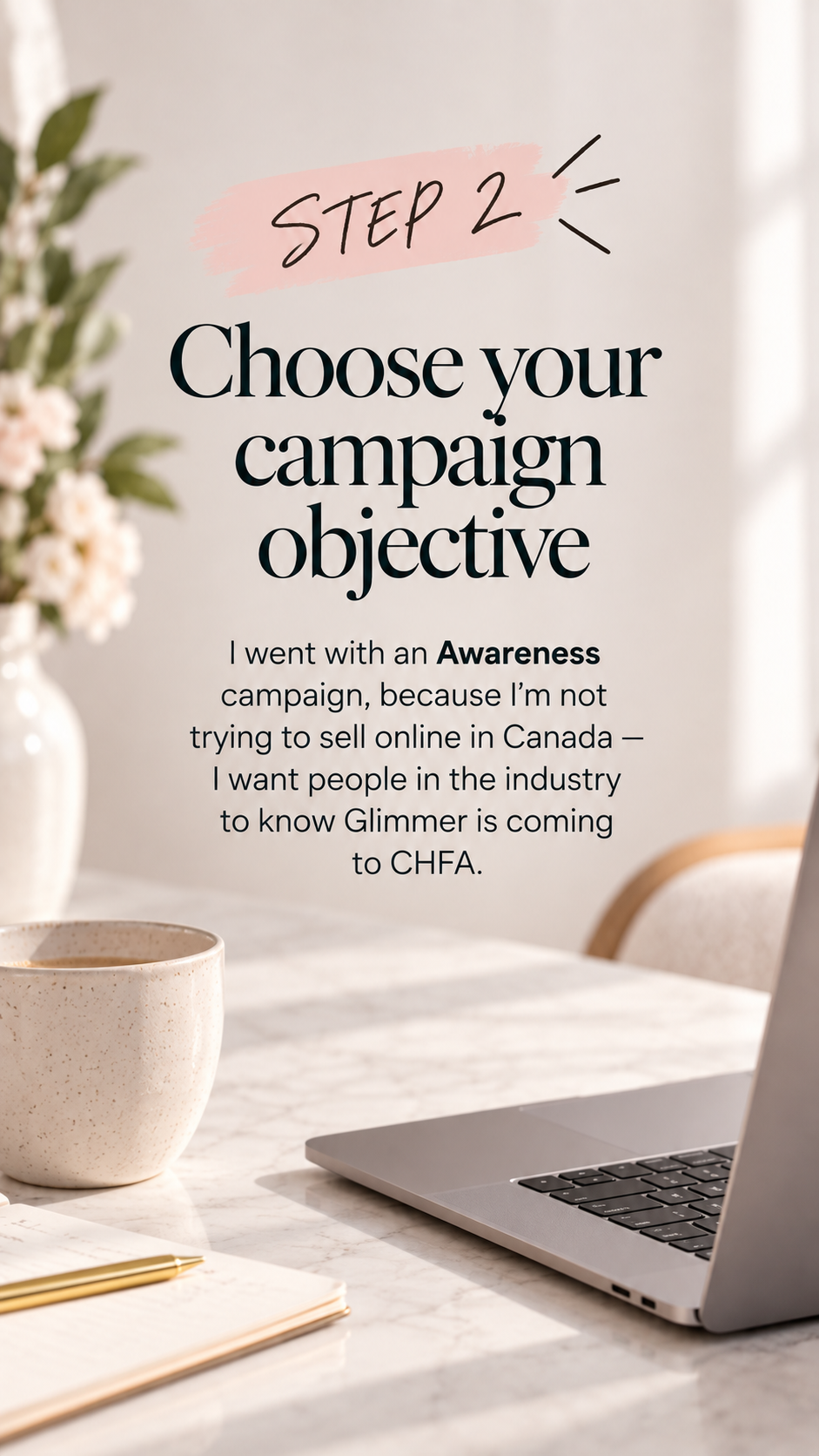
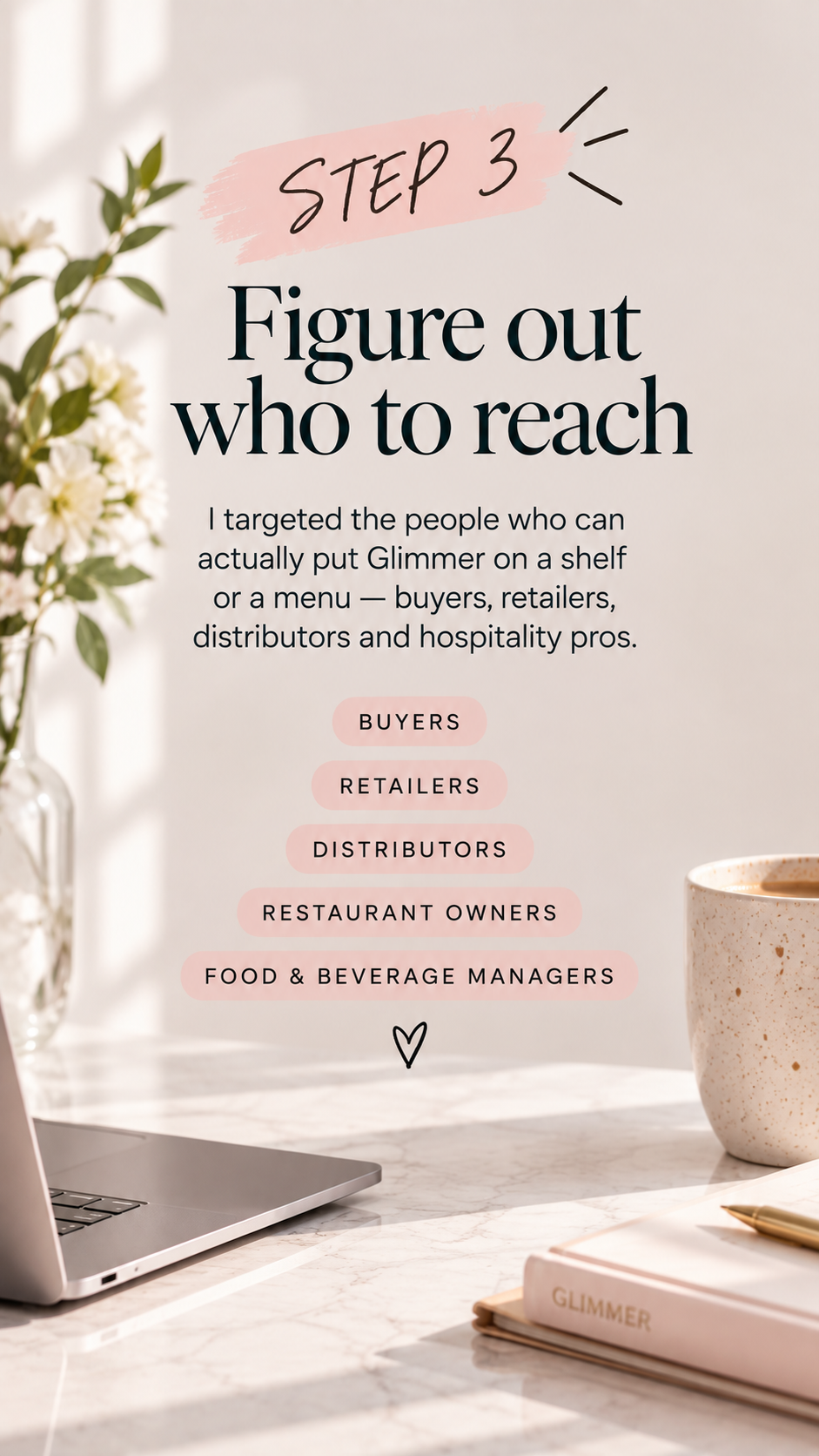
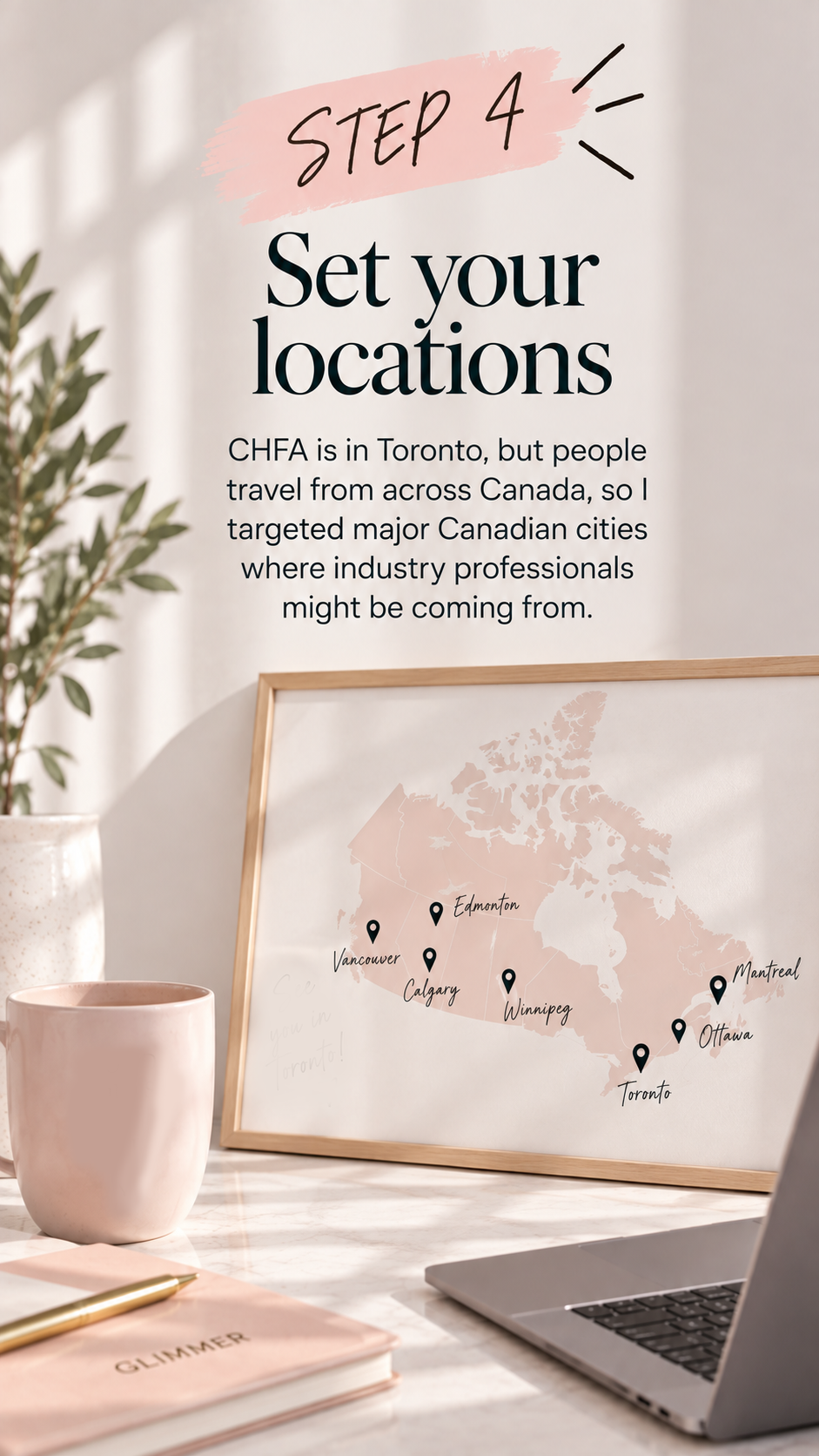
Save this before you open Ads Manager
Everything we wish someone had handed us before we made our first awareness ad.
Before you open Ads Manager
- Decide the ONE thing you want the ad to accomplish
- Choose Awareness as your campaign objective
- Know exactly who you want to reach
- Decide where those people are located
- Set your total or daily budget
- Decide how long you want the ad to run
Build your audience
- Choose your locations
- Set an appropriate age range
- Add relevant interests, industries or job titles
- Think about who you actually need to see the ad
- Keep your audience broad enough for Meta to find people
Create the ad
- Use one strong, scroll-stopping visual
- Make your brand/product recognizable immediately
- Keep the message simple
- Tell people what, where + when if you're promoting an event
- Write a short caption with a clear reason to care
- Add a CTA
- Check how the creative looks in Feed, Stories + Reels placements
Before you hit publish
- Double-check your objective
- Double-check your audience + locations
- Confirm your budget
- Confirm start + end dates
- Check your destination link (if using one)
- Preview every placement
- HIT PUBLISH 🚀
Once it's running
- Don't panic and change everything immediately 😂
- Watch Reach
- Watch Frequency
- Watch CPM / cost per 1,000 impressions
- Watch Amount Spent
- Give Meta some time to gather data
- Take screenshots of your starting results
- Compare results as the campaign progresses
And the most important part…
Did it actually do what you wanted it to do? Awareness isn't necessarily about immediate sales. For our Glimmer campaign, we're asking:
- Did more of the right people discover Glimmer?
- Did buyers or retailers recognize us?
- Did anyone visit our profile or website because of the ad?
- Did anyone come to our CHFA booth because they saw us beforehand?
- What would we change next time?
Because reach is a number.
The real result is what happens next. ✨
— Marina, CMO + Co-Founder, Glimmer
Find us at CHFA Toronto
September 26–27 · Booth 2625A. Come try Glimmer in person — and tell us if you saw the ad first.
See where else to find Glimmer